Book a vetted repairman who comes to you — plumbers, electricians, air-con technicians, car and motorcycle mechanics, and more.
Everything works in both English and Thai — tap EN / TH at the top of the app to switch at any time.
For customersBooking a repairman
1Create your account
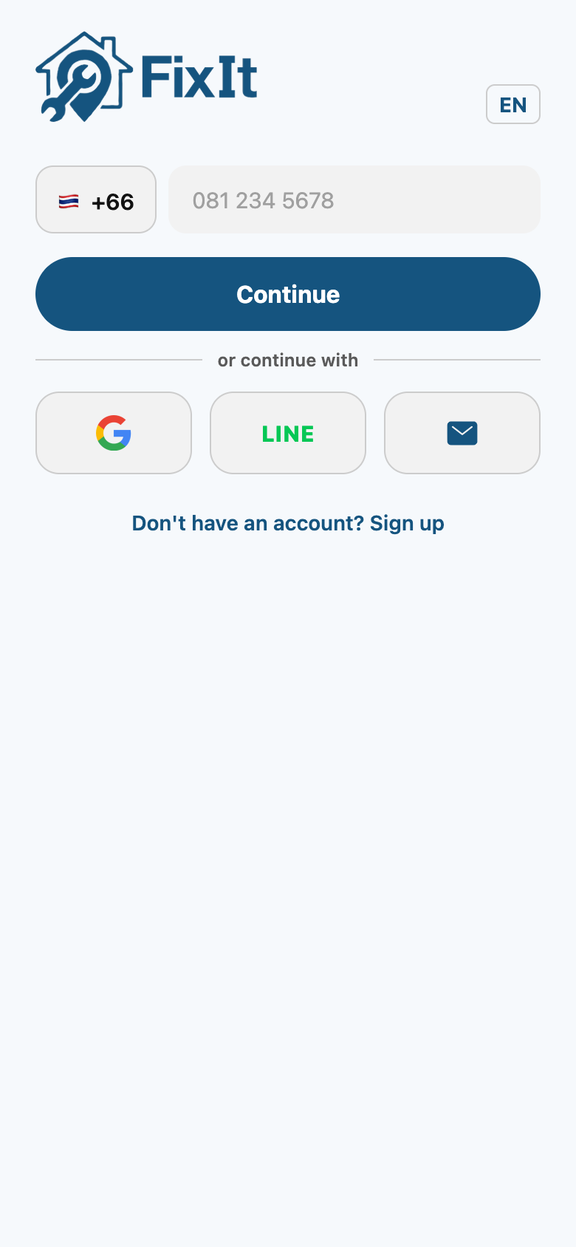
Enter your phone number and we'll text you a code — no password to remember. You can also continue with Google, LINE, or an email address. On iPhone you can use Apple.
Phone number first — a code arrives by SMS.
2Pick what you need
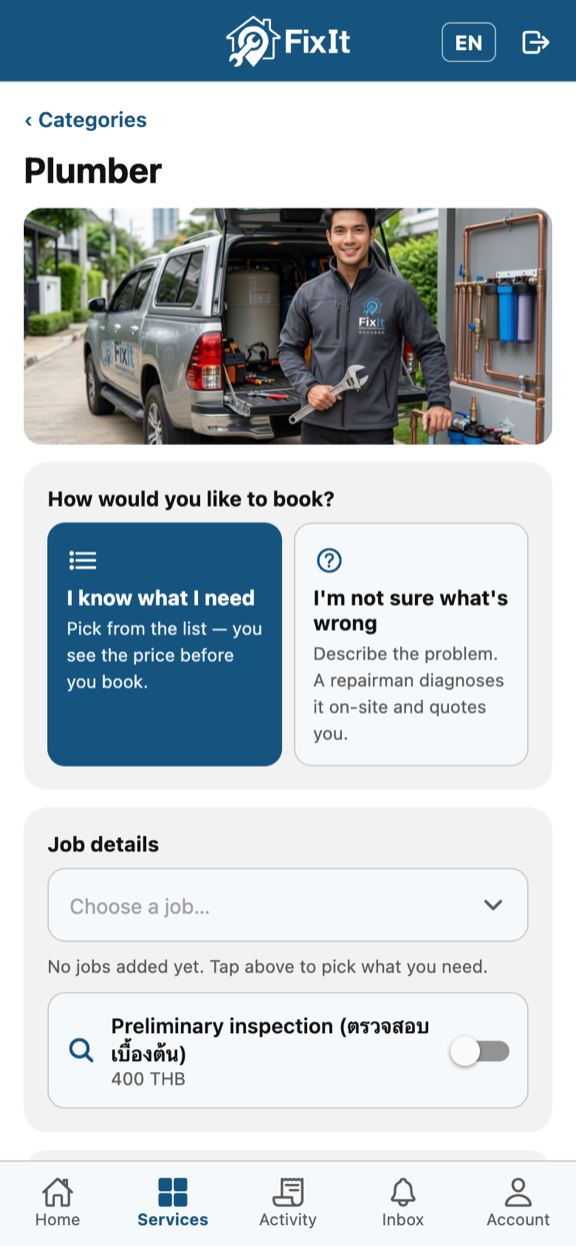
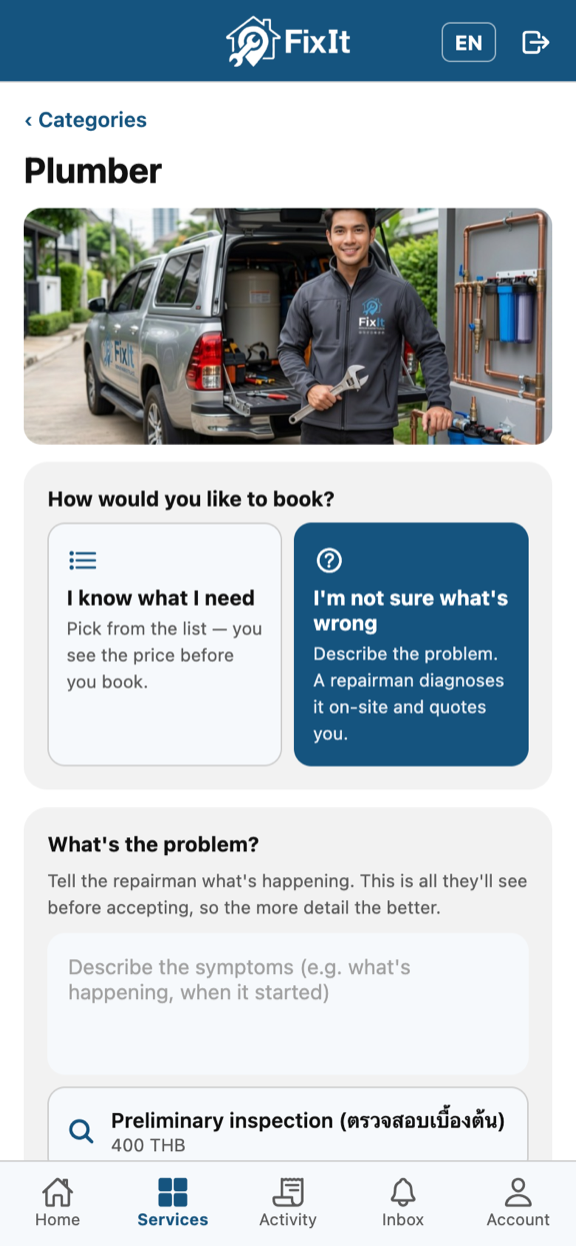
Choose a category, then tell us how you'd like to book. This is the choice that matters most:
Two ways to book. Pick the one that matches what you know."I'm not sure what's wrong" — just describe it.
I know what I need — pick from the list. You see the exact price before you book, and it's the same price whichever repairman accepts.
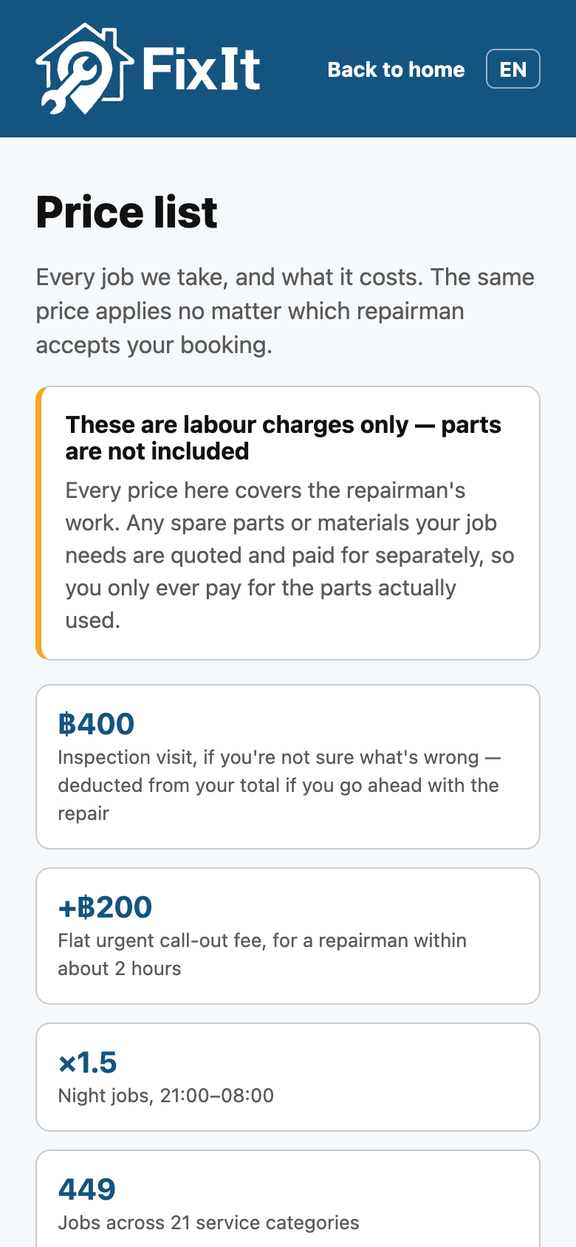
I'm not sure what's wrong — describe the problem in your own words. A repairman comes out for a fixed inspection fee, works out what's wrong, and then sends you a price for the actual repair.
Which should you pick? If you can't name the fault, use the second one. And if you go ahead with the repair the repairman quotes, the inspection fee comes off your total — so the visit costs you nothing extra.
3Or just tell Fixie what's wrong
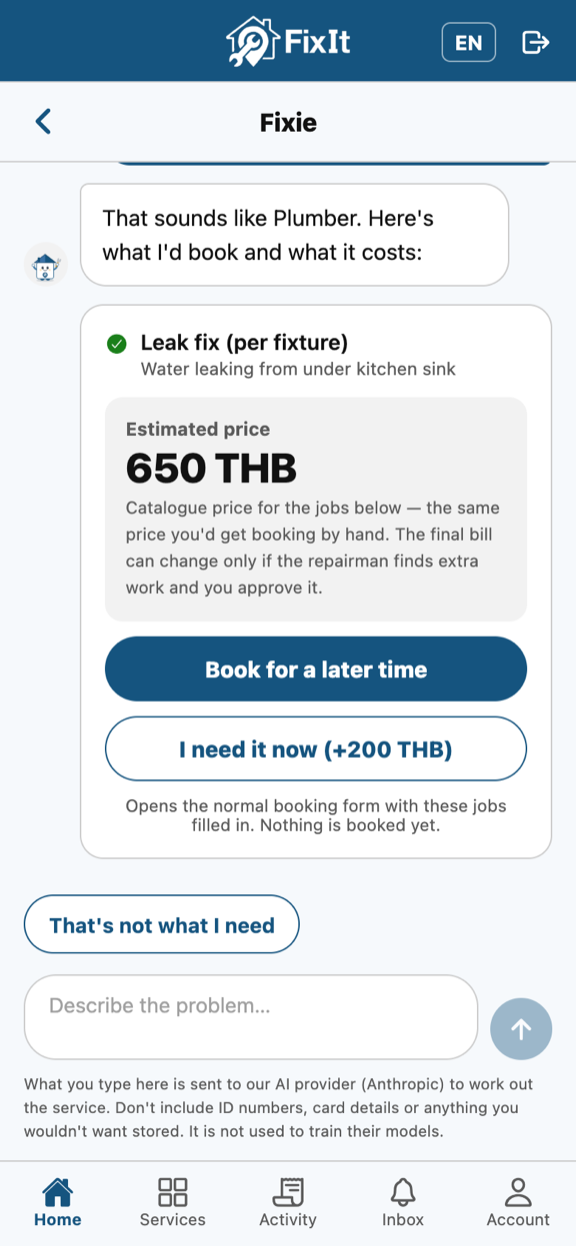
There's a third way in, and it's usually the fastest. Type what's happening into the box at the top of the Home tab — the one with the little house on it — and Fixie, our AI assistant, works out which service you need and what it costs.
Describe the problem in a sentence. Fixie names the service and the price, then hands you to the normal booking form.
It's a conversation, not a search box. If the first answer isn't right, tap "That's not what I need" or just say more — Fixie adds what you tell it to what it already knows instead of starting over.
The price is not an AI guess. The figure Fixie shows is the ordinary catalogue price of the jobs it picked — the same number you'd get booking by hand.
Nothing is booked by Fixie. Choosing Book for a later time or I need it now opens the normal booking form with the jobs already filled in. You still check the list and confirm it yourself.
If Fixie can't help — or you've used it a lot that day — you're pointed at the ordinary service list. It is the same booking at the same price; Fixie was only ever a shortcut into it.
What happens to what you type. Your description is sent to our AI provider (Anthropic) to work out the service. It is not used to train their models. Don't type ID numbers, card details, or anything you wouldn't want stored.
Every job shows its price up front — the labour charge for standard hours. Anything added is itemised before you confirm.
4Fill in the details
Where — type your address and pick a suggestion, or drag the map pin. Saved Home and Work addresses are one tap.
Your vehicle (car and motorcycle jobs) — sedan, SUV or pickup, and fuel or electric. This changes which jobs apply to you.
Contact number — your registered number is used. You can add a backup number for this job only.
When — urgent, or scheduled for a date and time you choose.
Then tap Send job request, and we look for the nearest available repairman who covers your job.
5While the job is happening
Watch the repairman travel to you on the map, with a live arrival time.
Message or call them from inside the app.
Tap Share trip to send someone a link so they can follow along.
An SOS button stays available for the whole job.
6If they find extra work
They'll send you a price in the app. Nothing is charged and no extra work starts until you tap Approve. The figure you see is the final one, with any surcharge already included.
If you decline, the job isn't cancelled — it simply continues with what you originally booked.
7Finishing and paying
The repairman photographs the finished work and marks the job done. You pay them directly — cash, transfer, or whatever you agree between you. FixIt never holds your money. Confirm in the app that you've paid, then leave a rating.
What things cost
All prices are labour only. Parts are quoted and paid separately, so you only pay for what's actually used.
The price shown is the labour charge during standard hours (08:00–18:00). What can be added on top: urgent call-out +฿200 (once per job) · evening 18:00–21:00 +20% · night 21:00–08:00 +50% · and a ฿100–150 travel fee on small jobs in some categories. Every one of these prints on its own line before you confirm, and on your receipt.
If a repairman buys a part for you, they show you the receipt and add a 10% handling charge.
If you need to cancel
What it costs depends on how far things have got. The app always shows you the exact amount before you confirm.
When you cancel
What you pay
Before a repairman is on the way
Nothing
After they accept, before they arrive
A small cancellation fee, to your card
After they arrive
A wasted-trip fee, paid to them directly
After they start inspecting
The full inspection fee — the diagnostic work is already done